Project
Time to put everything together. In this final lesson, you'll build a complete project from scratch using everything you've learned in this module.
No hand-holding this time — just brief, clear requirements and you make it happen. This is how real development works.
Congrats!
Ok, I must confess: this module was BIG. Definitely the biggest of the course!
You learned what the web is, the basics of HTML, CSS and JavaScript, and even Git and GitHub 😳
I hope it wasn't too much. Unfortunately, all of this was 100% necessary before we can get to the fun stuff (#dataviz).
Your skills are powerful
About 12 years ago, I started getting interested in D3 and web development. After nights and nights of struggle, I basically learned what you just learned in the lessons of this module.
Among other things (like the R graph gallery or Data To Viz), I used those skills to create my personal homepage. Today it's still live, and I never switched to a different stack! It's just HTML, CSS, and a tiny bit of JavaScript.
You can build literally anything with these tools.
Like the particles? Ask AI to help you use the particle.js library!
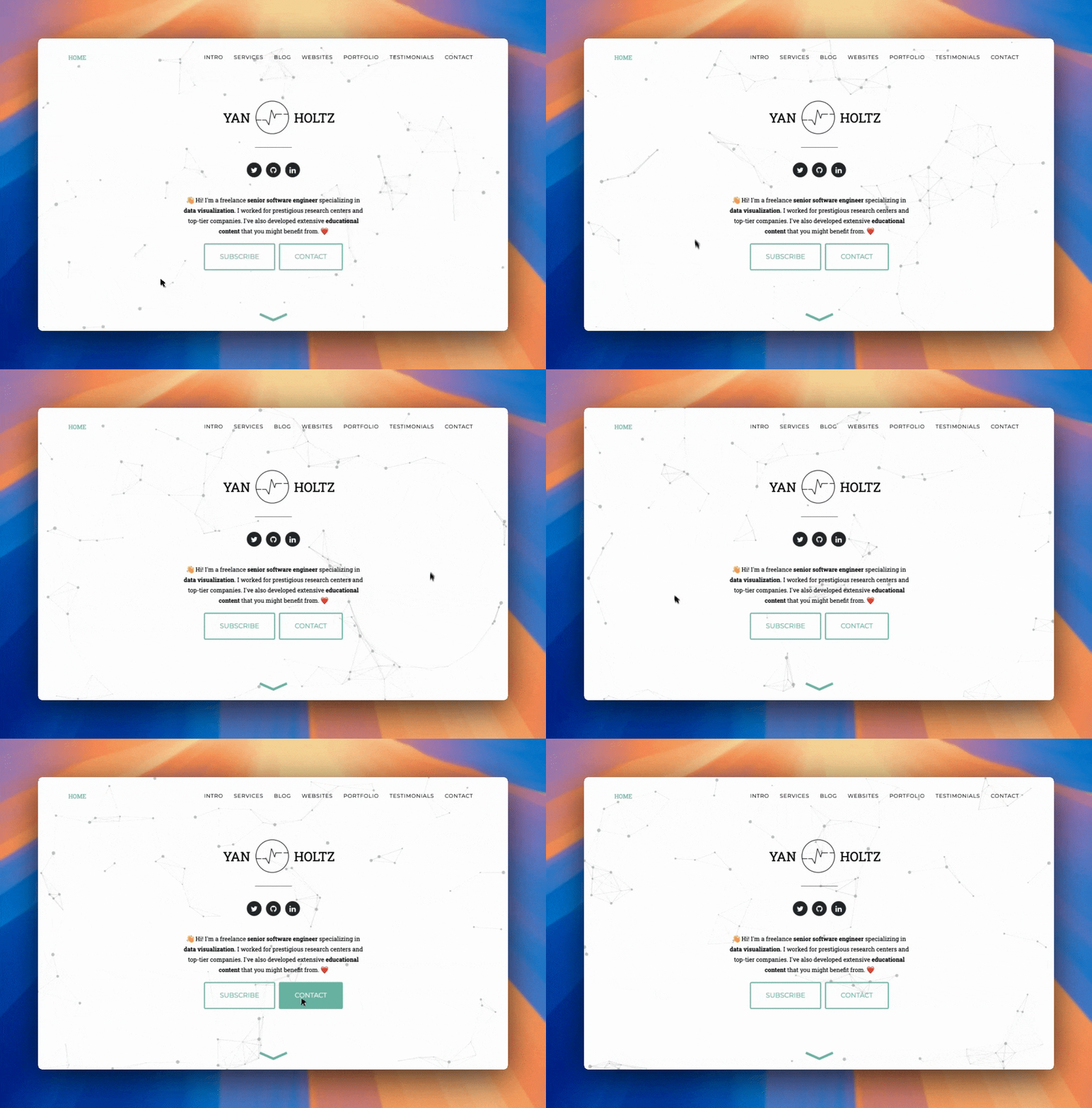
Your mission
Now it's your turn. I want you to build the hero section of your own minimal personal homepage from scratch, publish it online, and share it with the community.
Create a new project folder called homepage. Make it a GitHub repository. (see lesson 8)
Build a hero section: the very top of your page. Use HTML for the structure, CSS for the styling, and a bit of JavaScript if you want to add interactivity. Make it yours: your name, a short tagline, a photo, whatever feels right.
Deploy it as a live website using GitHub Pages (just like we did in the lesson 10).
Share the result in the #share-your-viz channel on Discord! I'd love to see what you come up with.
Don't try to build something too complex! A single page, a centered title, and a background color. That's already a homepage!
Once that's live, iterate: add a photo, play with colors. And remember: AI is your best friend here.
Student gallery
Here's what other students built for this project. Once more: remember a static static card is good enough for now!
What's next
The tools you've just learned are powerful.
But after using them for years, developers hit their limits. That's why they created a set of modern tools — React, Tailwind, TypeScript and more — that make building complex apps much easier.
That's the topic of the next module!