NPM, package management
NPM is the package manager for JavaScript. It lets you install and manage libraries that other developers have built. We already used it to install Vite in the previous lesson!
Let's understand how it works, demystifying package.json, package-lock.json, and how to work with external libraries.
📖 What is NPM
NPM stands for Node Package Manager. But first, you need to understand what a package is!
→ Package
Writing code is tedious, and the last thing you want is to reinvent the wheel every day.
If a developer already wrote an awesome carousel library, you don't want to rewrite the same code! Instead, you can use their code directly. That's what a package is: code available publicly, written by someone else, that you install and use in your app.
→ NPM = manager
NPM lets you manage all the packages your app depends on. It's actually two things:
- A registry: a giant online catalog of JavaScript packages at npmjs.com. Anyone can publish a package, and anyone can install one!
- A command line tool (CLI): the
npmcommand you run in your terminal. It lets you install, remove, and manage packages.
See how many packages are available to build an accordion! 😳
In this course, the package we'll use the most is D3.js, and it is available through NPM!
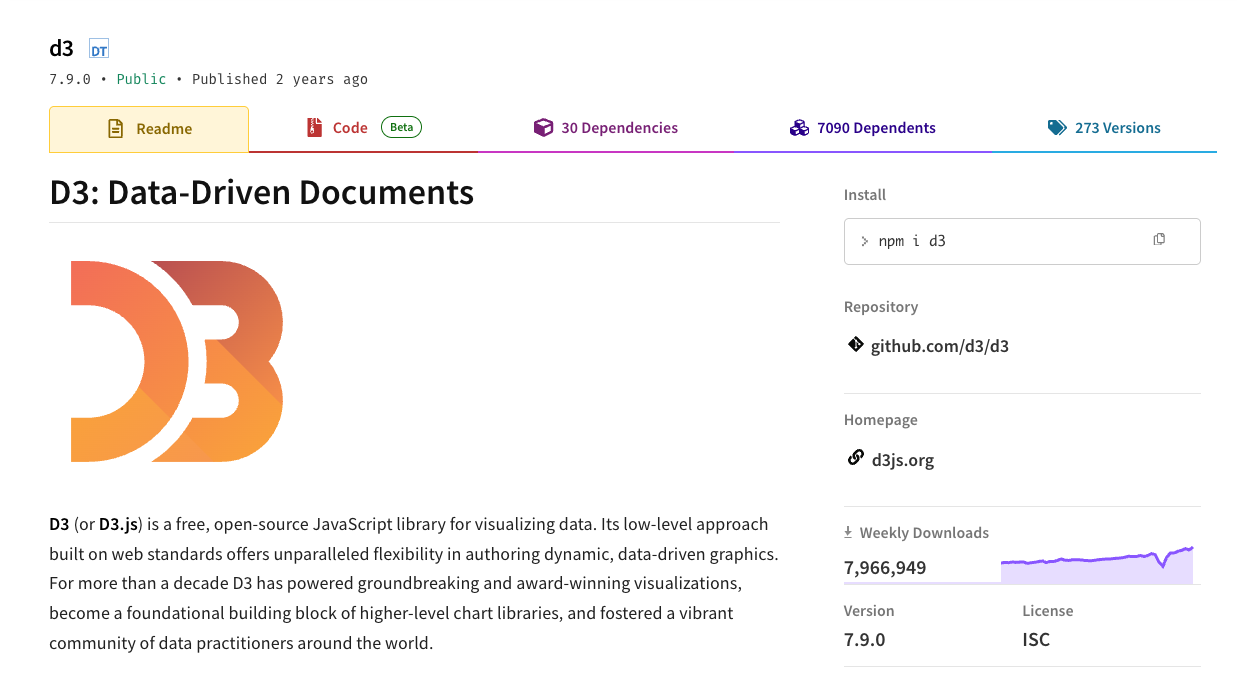
This is what the D3.js page looks like on the NPM website.
⚙️ package.json
Every project that uses NPM has a file called package.json at its root.
In the previous lesson, we created a new project with Vite. Remember the package.json file it generated? Here's what it looks like:
{
    "name": "my-first-app",
    "version": "0.0.0",
    "scripts": {
      "dev": "vite",
      "build": "vite build",
      "preview": "vite preview"
    },
    "dependencies": {
      "react": "^18.2.0",
      "react-dom": "^18.2.0"
    },
    "devDependencies": {
      "@vitejs/plugin-react": "^4.0.0",
      "vite": "^5.0.0"
    }
  }
This is the ID card of your project. Let's break it down:
nameandversion→ identify your project.scripts→ shortcuts you can run withnpm run ___. That's whynpm run devstarts the development server: it runs the"dev"script, which callsvite.dependencies→ packages your app needs to run. React is here because your app is built with it. Without those packages installed, your app cannot work.devDependencies→ packages only needed during development. Vite is here because it bundles your code, but it's not shipped to users.
Oh no! 😱
It seems like you haven't enrolled in the course yet!
This is a lesson from the D3 ❤️ React course, where you learn to create bespoke, interactive graphs with d3.js and React.
Or Login